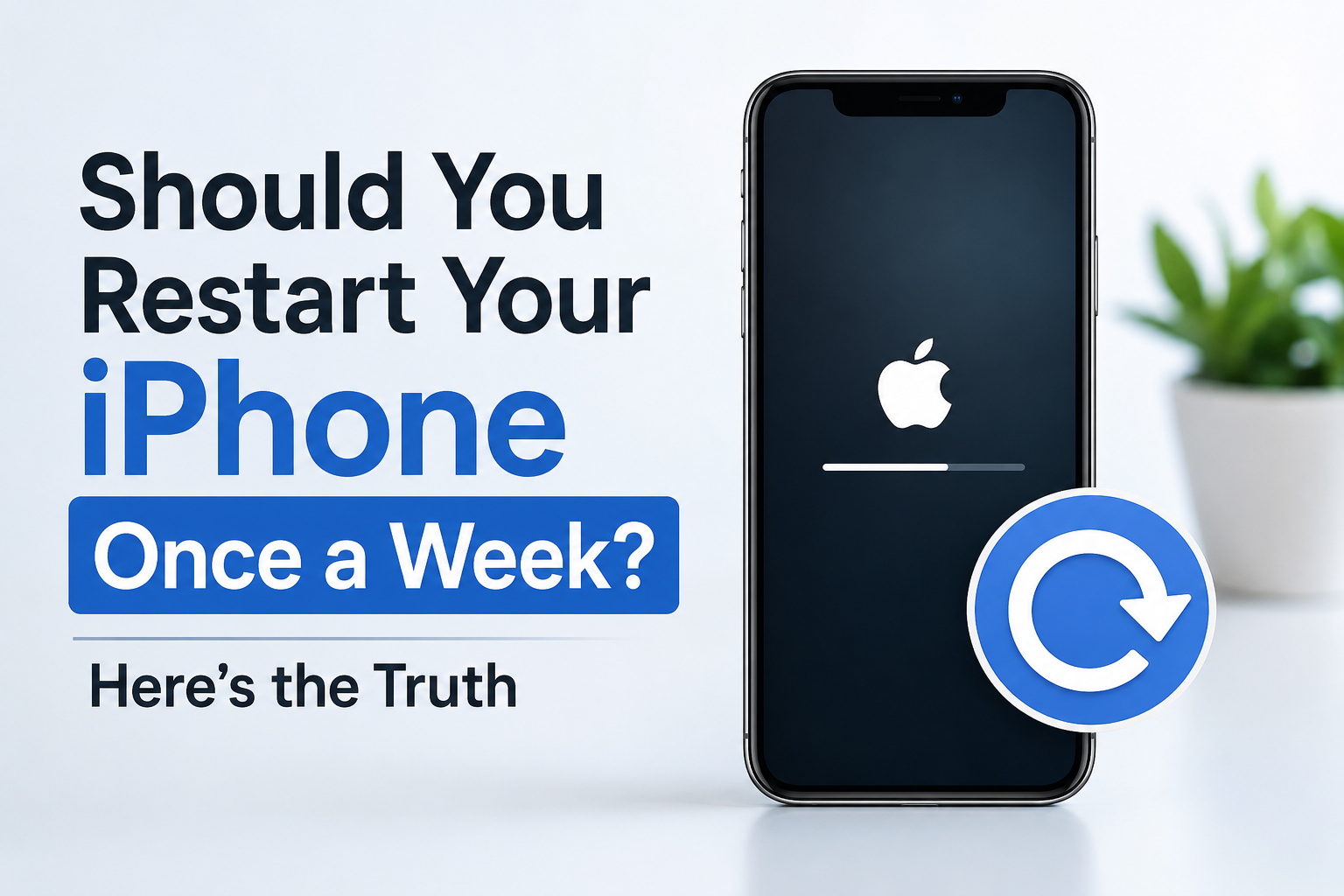

I have been using an iPhone for a long time, and I rarely restart my iPhone. Sometimes, it has even been weeks since I last restarted it. However, I have read many articles claiming that restarting an iPhone on a weekly basis is a good habit. So, is restarting your iPhone really that beneficial? I have written this article specifically to address this question and clear up the queries and speculation surrounding whether you really need to restart your iPhone regularly.
People generally restart their iPhone to clear RAM, resolve some minor glitch, or when it becomes unresponsive. I have seen this practice since my childhood, when there were candy-bar type phones; even then, restarting was very common. Although these are legitimate reasons to restart, they don’t necessarily mean that an iPhone needs to be restarted regularly when everything is working normally. So, you are also wondering, is there any real benefit to restarting an iPhone once a week?
What Happens When You Restart an iPhone?
Restarting is a very common process that you can use to resolve minor issues. Basically, whenever you restart your iPhone, it stops running processes and gives your iPhone a fresh start, which can sometimes help fix minor glitches or unusual behaviour. But restarting now and then does not permanently improve performance. One thing that is definitely worth looking into is whether this fresh start actually provides any meaningful benefit when the iPhone is already working normally.
Does Restarting an iPhone Clear RAM?
One of the primary reasons users often restart their iPhone is to clear RAM. RAM, which stands for Random Access Memory, temporarily holds the data and processes that your iPhone needs while you are using it. Restarting stops these active processes and gives the system a fresh start, but it doesn’t mean that your iPhone will perform better simply because you have cleared the RAM.
iOS already has its own memory management system that automatically manages available memory, so users don’t need to manually clear RAM on a regular basis. In other words, restarting your iPhone just to clear RAM isn’t something you need to make a weekly habit.
But does this fresh start actually make a noticeable difference to an iPhone’s performance?
Does Restarting Make an iPhone Faster?
After restarting, you may feel your iPhone is smoother and more responsive because restarting generally stops active processes and can sometimes resolve minor software issues or problems caused by a misbehaving app. However, this is only a temporary solution.
If your iPhone is consistently slow, restarting is not the real solution. Instead, you need to check other factors such as available storage, software, battery condition, or problematic apps.
Does Restarting Affect iPhone Battery Life or Battery Health?
Another common misconception users generally fall into is that restarting your iPhone will give you better battery life, but that’s not necessarily the case. It can help conserve battery only if a misbehaving app or software bug is consuming more battery than usual. In such cases, restarting may stop the problematic process and allow battery consumption to return to normal. In general, routinely restarting your iPhone does not give you better battery life.
Now comes the battery health part. A routine restart does not improve battery health in any way, as battery health depends on factors such as chemical ageing, charging and usage patterns, and temperature, rather than how often you restart your iPhone.
So, if restarting isn’t something you need to do for battery health, when is it actually worth restarting your iPhone?
When Should You Actually Restart Your iPhone?
So, is there a general rule of thumb for when you should restart your iPhone? The straightforward answer is that you do not need a particular time frame or a fixed restart routine. Whenever you feel that your iPhone is not behaving as usual or you are troubleshooting a problem, it can be a good time to restart your iPhone. Restarting is one of the first troubleshooting steps you can try before moving on to other solutions. Sometimes it resolves the problem, while other times it may not, but giving it a try generally won’t cause any harm.
Moreover, there are a few situations in which you can first try restarting your iPhone:
- An app suddenly stops responding.
- The touchscreen behaves strangely.
- Certain features temporarily stop working.
- An app or system function behaves differently than expected.
Sometimes, your iPhone may feel sluggish or become unresponsive. In such cases, you can try restarting it first. If the problem persists, you should investigate the root cause and move towards a more permanent solution rather than repeatedly restarting the device.
In extreme cases, your iPhone can become completely frozen and you may not be able to shut it down normally. That’s when a force restart becomes useful.
How Often Should You Restart Your iPhone?
There is no fixed timeframe recommended for restarting an iPhone. If your iPhone is working as it should, there is no particular reason to restart it. Restarting it on a weekly basis does not provide any particular benefit or improvement to your iPhone. Basically, restarting once a week is not harmful, but it is also not necessary.
The main logic behind restarting is simple: if you encounter glitches, freezing, unusual behaviour, or are troubleshooting an issue, restart your iPhone. Otherwise, there is no need to restart your iPhone simply because a certain amount of time has passed.
Does Apple Recommend Restarting Your iPhone Every Week?
Apple, on its official website, does not specify any weekly restart schedule for iPhones. Instead, Apple explains how to turn an iPhone on or off and recommends restarting it in certain troubleshooting situations. So, this is totally different from saying that users should restart their iPhone once a week.
Apple’s own guidance treats restarting as a useful troubleshooting step rather than a fixed maintenance routine. For example, Apple recommends restarting your iPhone when troubleshooting certain problems, including situations where an app isn’t responding or isn’t working as expected.
So, based on Apple’s published guidance, there is no reason to follow a weekly restart routine if your iPhone is working normally.
Restart vs Force Restart: What’s the Difference?
A normal restart means properly shutting down the iPhone and turning it back on. This type of restart is typically useful if you are experiencing a minor glitch, unusual behaviour, or troubleshooting an issue.
The force restart method is different, as it is normally used when your iPhone is completely frozen or cannot be turned off normally. Moreover, users should avoid performing a force restart routinely when their iPhone is working normally.
How to Restart Your iPhone
Normal Restart
For most modern iPhones with Face ID:
- Press and hold the Side button and either Volume button at the same time.
- Keep holding until the power-off slider appears.
- Drag the slider to turn off your iPhone.
- Wait around 30 seconds for the iPhone to completely turn off.
- Press and hold the Side button until the Apple logo appears.
You can also refer to Apple’s official instructions for turning your iPhone on or off if you are using a different iPhone model.
How to Force Restart an iPhone
If your iPhone is frozen or isn’t responding, you can try a force restart:
- Quickly press and release the Volume Up button.
- Quickly press and release the Volume Down button.
- Press and hold the Side button.
- Keep holding it until the Apple logo appears, then release the button.
For more details, Apple provides separate instructions for restarting an unresponsive iPhone.
Final Verdict: Should You Restart Your iPhone Once a Week?
After our thorough analysis, I guess you should have understood the conclusion: there is no need to restart your iPhone once a week. If your iPhone is working normally, there is no particular reason to restart it. Restarting your iPhone is not harmful, but it is not a necessary maintenance habit either.
Restarting is useful for temporary glitches, frozen apps, unusual behaviour and troubleshooting. It should not be treated as a go-to option for a performance boost or to improve battery health. Apple has designed iOS to manage memory automatically, so the practical approach is to restart when there is a reason to restart, rather than restarting simply because a week has passed.
In short, let your iPhone tell you when it needs a restart rather than following a weekly rule.
Frequently Asked Questions
Should I restart my iPhone every week?
No, you don’t need to restart your iPhone every week. If your iPhone is working normally, there is no particular reason to follow a weekly restart routine. You can restart it whenever you experience a temporary glitch, unusual behaviour or another issue that needs troubleshooting.
How often should I restart my iPhone?
There is no fixed timeframe for restarting an iPhone. You don’t have to restart it after a certain number of days. If everything is working normally, you can continue using your iPhone without restarting it.
Does restarting an iPhone clear RAM?
Restarting stops active processes and gives the system a fresh start, but you don’t need to restart your iPhone regularly just to clear RAM. iOS already manages memory automatically, so manually clearing RAM isn’t something most users need to worry about.
Does restarting an iPhone improve battery health?
No. Restarting your iPhone does not improve battery health. Battery health is affected by factors such as chemical ageing, charging and usage patterns, and temperature. However, if a misbehaving app or software issue is causing unusual battery drain, restarting may help resolve that temporary problem.
Does restarting make an iPhone faster?
A restart can sometimes make an iPhone feel smoother or more responsive if a temporary software issue or misbehaving app is affecting it. However, it isn’t a permanent performance boost. If your iPhone is consistently slow, you should investigate the actual cause instead of relying on regular restarts.
Is force restarting an iPhone the same as a normal restart?
No. A normal restart involves properly shutting down your iPhone and turning it back on. A force restart is mainly used when your iPhone is frozen, unresponsive or cannot be turned off normally. Apple also provides separate instructions for restarting an unresponsive iPhone.