
Apple released iOS 26 on Monday, September 15, 2025, following its announcement at WWDC in June 2025. The update introduced a major visual overhaul alongside Apple Intelligence, with the new “Liquid Glass” design becoming the defining theme of the operating system.
With iOS 26, the entire interface adopted a glass-like, translucent appearance. While many users appreciated the modern look and smooth transitions, others criticized the design, calling it distracting and uncomfortable for reading—especially in bright environments.
In my view, the update performed well in terms of features, animations, and overall fluidity. However, the excessive transparency of the clear glass design did take away from the overall usability and visual comfort.
Apple Listened: New Toggle in iOS 26.1
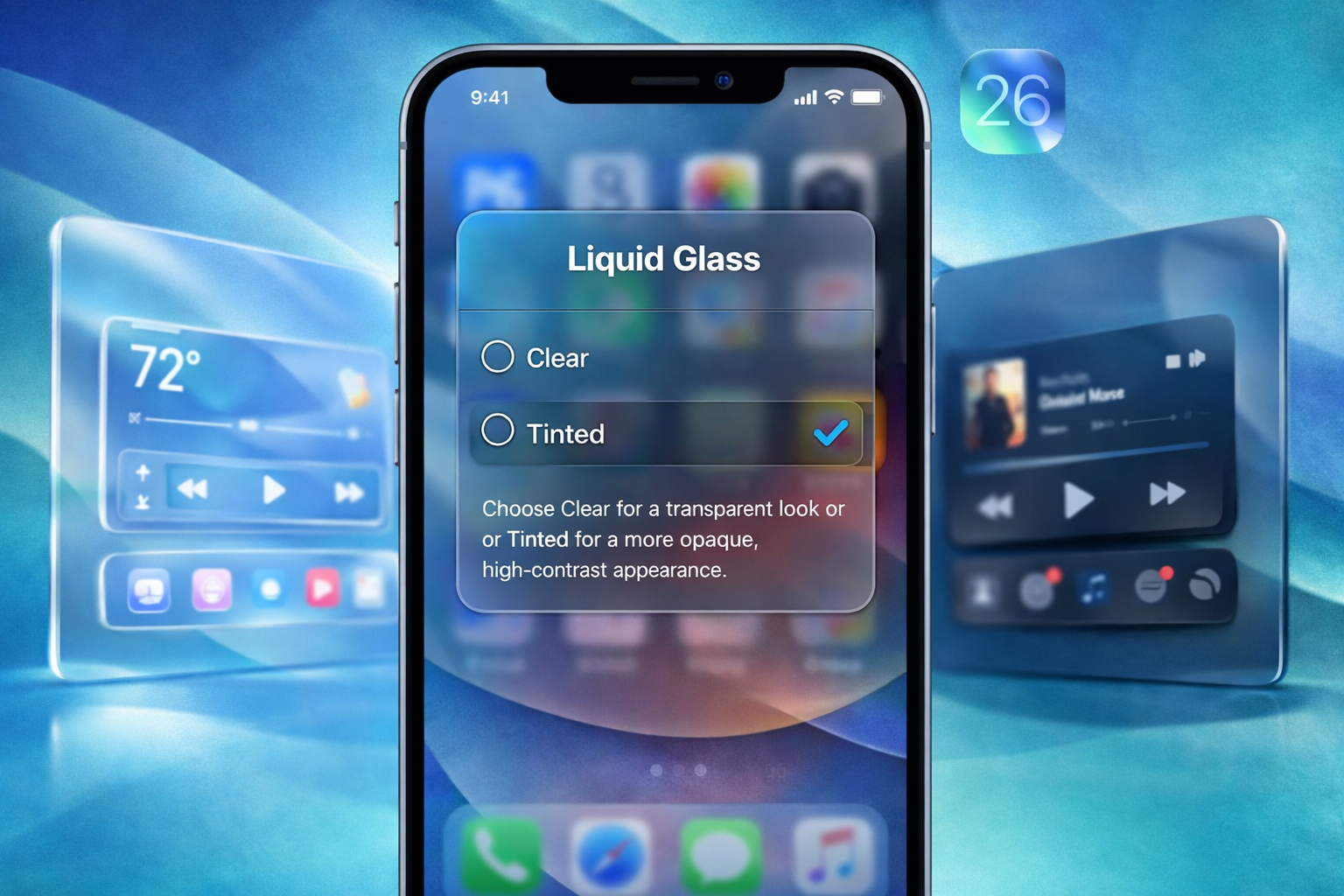
Thankfully, in iOS 26.1, Apple addressed these concerns by introducing a new Liquid Glass appearance toggle. This option allows users to switch between Clear and Tinted modes.
When the Tinted option is enabled, iOS increases opacity and contrast, making text easier to read and reducing visual distraction—offering much-needed relief for users who disliked the fully transparent look.
How to Enable the Tinted Liquid Glass Option
Follow these steps on your iPhone or iPad:
- Open the Settings app
- Tap Display & Brightness
- Select Liquid Glass
- Choose Tinted to increase opacity and contrast, or Clear to retain transparency
This small but meaningful change significantly improves readability and overall user comfort.
Final Thoughts
The new Liquid Glass toggle in iOS 26.1 is a welcome addition. It shows that Apple is paying attention to user feedback and is willing to balance visual innovation with practicality. For users who found the original clear design overwhelming, this update should come as a major relief.