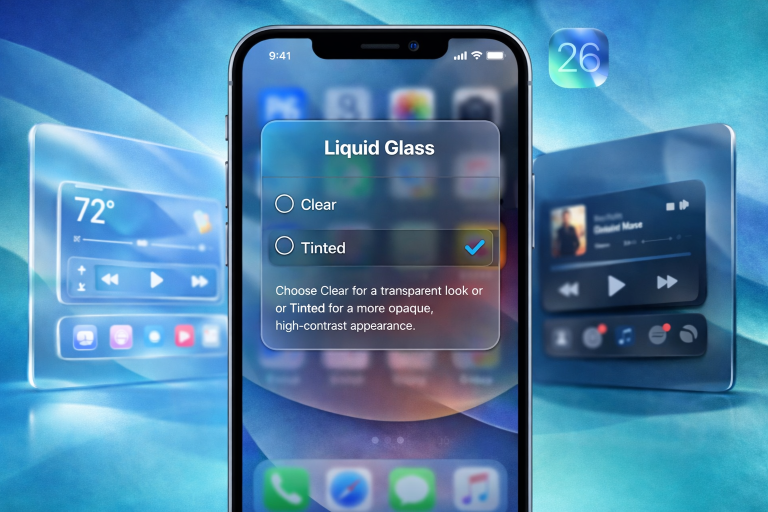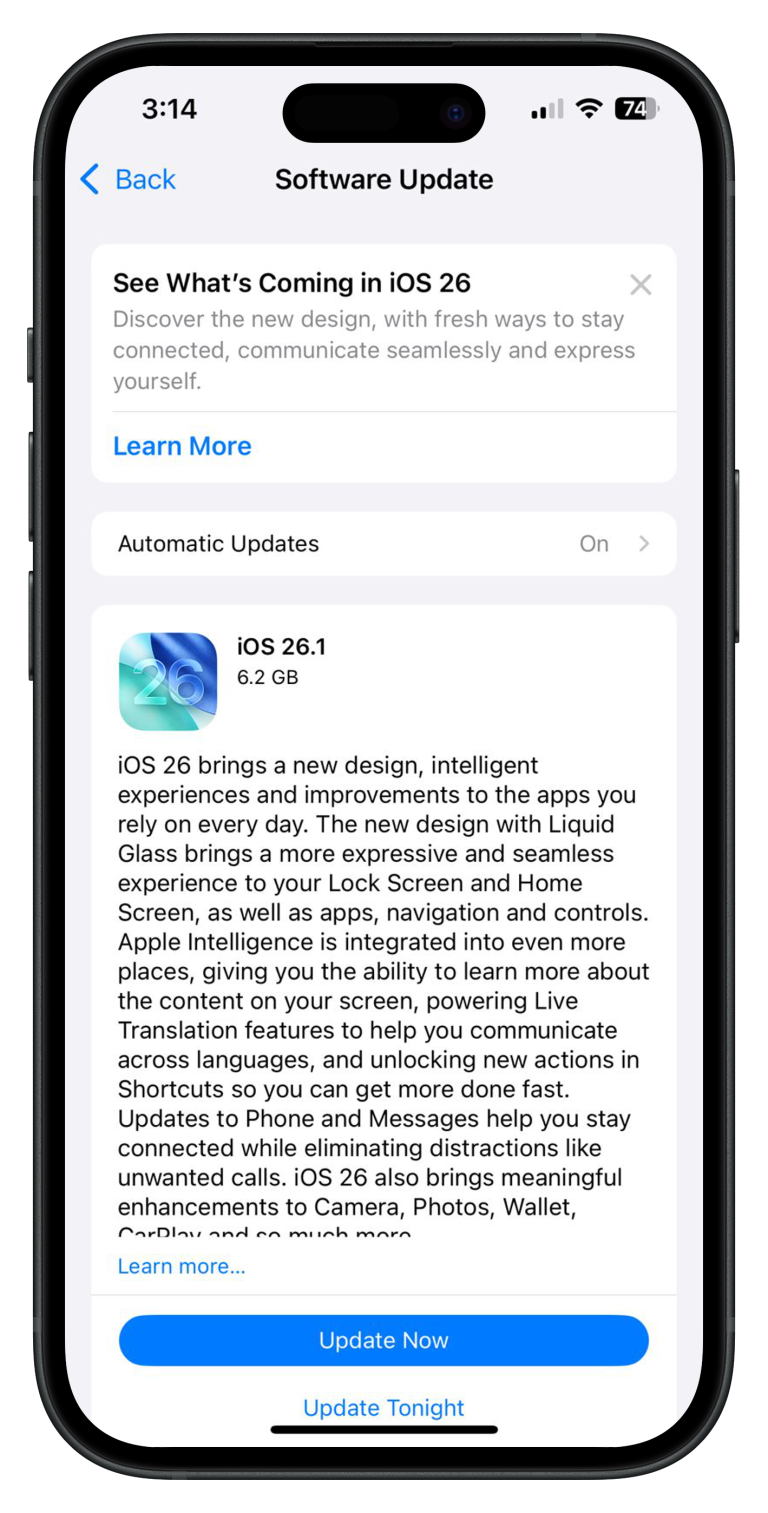

Apple’s iOS 18 brings a fresh wave of innovation and user-centric features that enhance the overall iPhone experience. Whether you’re a fan of customizability or focused on security, iOS 18 offers a host of improvements that put users in control. In this article, we explore the top 5 standout features of iOS 18 that make it a must-have upgrade for every iPhone user. From full home screen customization to enhanced app security, here’s everything you need to know.
1. Full Customization of Home Screen
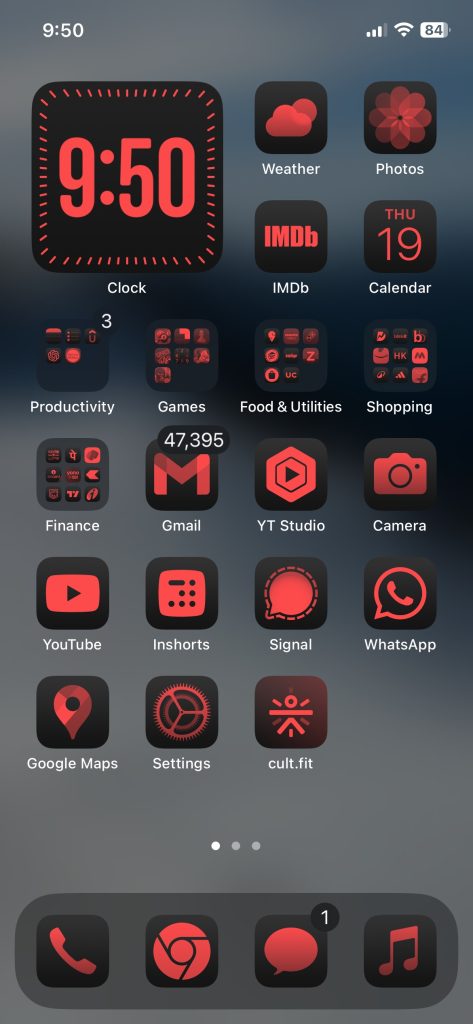
With iOS 18, Apple delivers a more dynamic and personalized home screen experience. Users can now fully customize their home screens by rearranging app layouts, adjusting widget sizes, and even changing the overall theme of their device. For the first time, dark mode-compatible apps are integrated more seamlessly, ensuring that your chosen apps automatically adjust to your device’s dark mode settings. This allows for a more cohesive and polished appearance, whether you’re using your iPhone during the day or at night.
Additionally, users can hide specific apps or entire pages to declutter their screen without uninstalling anything. This brings a perfect balance between personalization and productivity, letting you prioritize the apps and information you need most.
2. Customization of Control Center
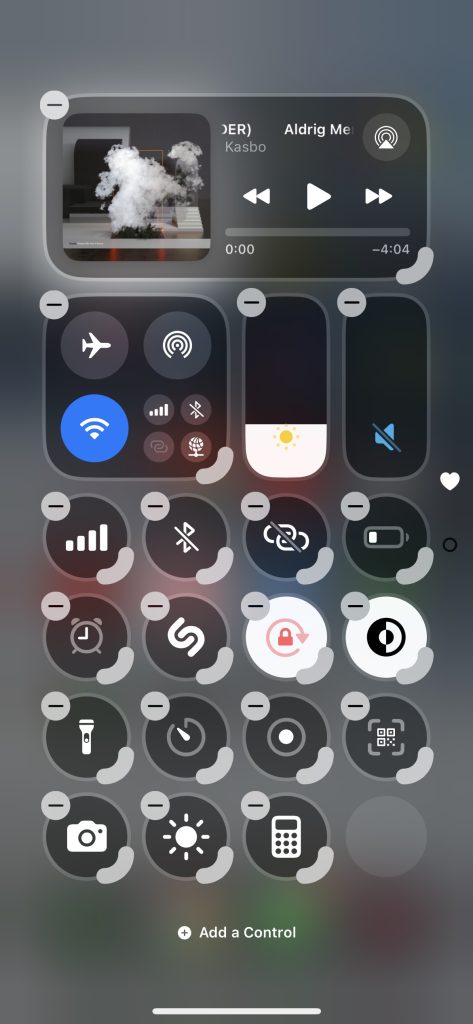
iOS 18 takes Control Center customization to new heights, offering users the ability to tailor their Control Center layout based on their needs. This update introduces a significant redesign of the easy-access controls, featuring a Favorites page as the main screen, followed by dedicated pages for Music, Home, and Connectivity. Each of these new Control Center screens is fully customizable, allowing you to add extra Control Center pages as needed.
3. Refreshing Photos App

iOS 18 simplifies the Photos app by eliminating separate tabs and introducing an all-in-one scrolling view. The Photo Library remains the primary focus when you open the app, but instead of navigating through separate For You and Albums tabs, you simply scroll down to access additional content. A blue quick access search icon is available on every screen, along with a Select button for selecting multiple images to share, delete, or add to an album. You can tap the Search icon to open the search interface, and when you’re done, just tap Done. Alternatively, use the Select button to choose multiple images.
4. Lock Any App

One of the most anticipated features of iOS 18 is the ability to lock individual apps with Face ID or a passcode. This security enhancement ensures that sensitive apps like banking, messaging, and social media are protected from unauthorized access. You can now choose which apps require extra authentication, adding an extra layer of security to your device. Whether you want to protect your privacy or safeguard important data, this feature provides the peace of mind iPhone users have been waiting for.
5. Improved Password Manager Integration

While password managers may not seem exciting, they’re more important than ever. For years, Apple’s Keychain quietly handled password storage on iPhones, often overlooked in the Settings menu. Now, Apple is transforming this functionality into a dedicated app called Passwords, repackaging all your existing credentials in a brighter, more user-friendly interface. This new app allows quick access to Wi-Fi passwords, website logins, passkeys, and two-factor authentication codes. It also simplifies credential sharing, making it a seamless process. If there’s one thing that could prompt iPhone users to take account security seriously, this could be it. The Passwords app conveniently syncs your credentials across Apple devices like iPhones, iPads, and Macs, as well as Windows through the iCloud for Windows app.
Conclusion
With these top 5 features, iOS 18 sets a new standard for customization, security, and ease of use. Whether you’re excited to personalize your home screen and Control Center, or you’re more focused on protecting your data with app locking and password manager integration, this update has something for everyone. Make sure to explore these features and make the most out of iOS 18’s revolutionary capabilities.