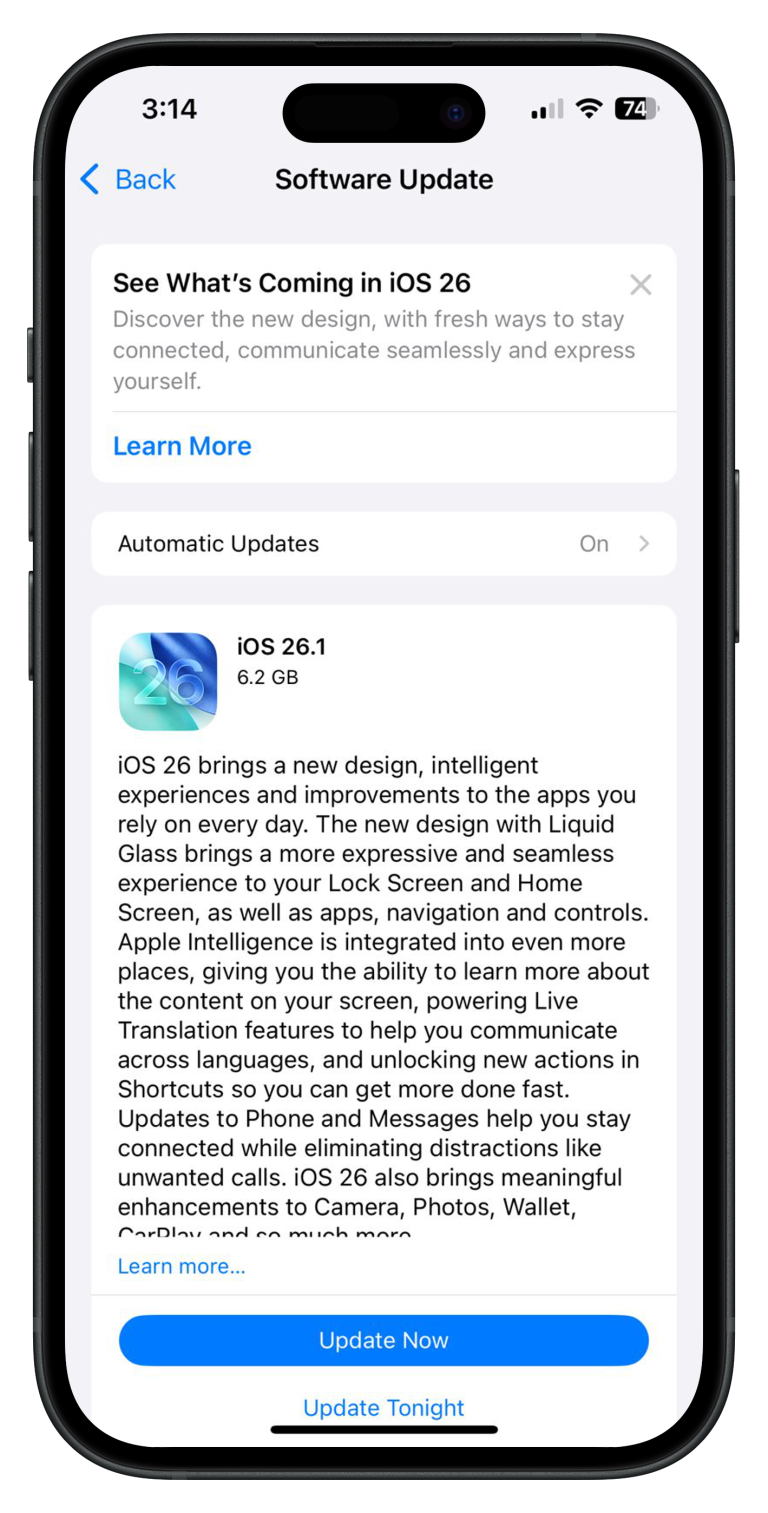

Apple has officially released iOS 18.1 Public Beta 2 for eligible devices, bringing a mix of new features and system refinements. If you’re enrolled in the Apple Beta Software Program, you can easily download this update by heading to the Software Update section on your iPhone. Not registered yet? No problem—simply sign up for the Beta Program to access it.
Here’s a quick look at the key updates:
- Control Center Upgrades: The Control Center now includes two new connectivity controls for Wi-Fi and VPN, making it easier to manage these settings. There’s also a handy option to reset the layout back to its default configuration.
- iPhone Mirroring Enhancements: iPhone Mirroring has become more versatile, now supporting drag-and-drop functionality when running both iOS 18.1 and macOS 15.1, streamlining multitasking.
- New Camera Features on iPhone 16: The Camera app on iPhone 16 gets a useful upgrade, allowing you to switch directly to the selfie camera with a single tap—a great addition for those who take frequent photos or videos.
- Shortcuts App Improvements: The Shortcuts app gets a new action that allows you to trigger the Control Center, adding more flexibility and automation options to your workflow.
Additionally, iOS 18.1 Public Beta 2 introduces a handful of design tweaks and interface changes, further refining the user experience.
If you’re eager to try out these features, head to your settings and update your iPhone now!