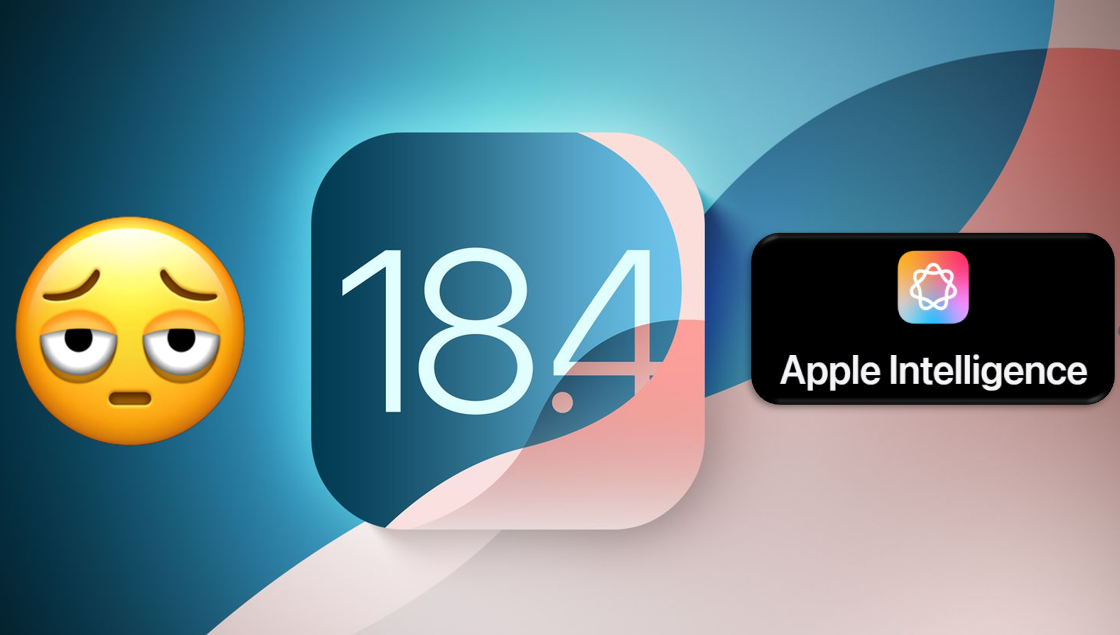

Apple has officially released iOS 18.4, the fourth major update in the iOS 18 series. This update introduces several exciting features, including Priority Notifications, Apple Intelligence, Visual Intelligence (for supported devices), new emojis, and more. Along with these major additions, iOS 18.4 also includes minor improvements and refinements that extend beyond just the Pro models.
Here are the several new features and enhancement:
1.Smarter Apple Intelligence
iOS 18.4 enhances Apple Intelligence with Priority Notifications, ensuring important alerts appear at the top of. your notification stack. It also expands language support, now including French, German, Italian, Brazilian Portuguese, Spanish, Japanese, Korean, and Simplified Chinese, along with localized English for Singapore and India.
2. Photos App Gets More Control
The Photos app introduces better organization tools, allowing users to filter and sort photos by modified date. Additionally, Apple now lets you disable auto-generated albums, such as Recently Shared and Viewed, giving you more control over your gallery.
3. New Emojis & Enhanced Control Center
Emoji lovers can enjoy eight new animated emojis, including a shovel, harp, fingerprint, tired face, and more. Meanwhile, the Control Center gains an Ambient Music feature, offering curated playlists for Sleep, Chill, Productivity, and Wellbeing for instant mood-based playback.
4. Apple News+ & Vision Pro Upgrades
Apple News+ introduces a new Food section featuring recipes and a Cooking Mode for step-by-step guidance. Additionally, Apple has launched a Vision Pro Companion App, helping users explore and download content tailored for the Vision Pro headset.
5. Shortcuts & Default App Customization
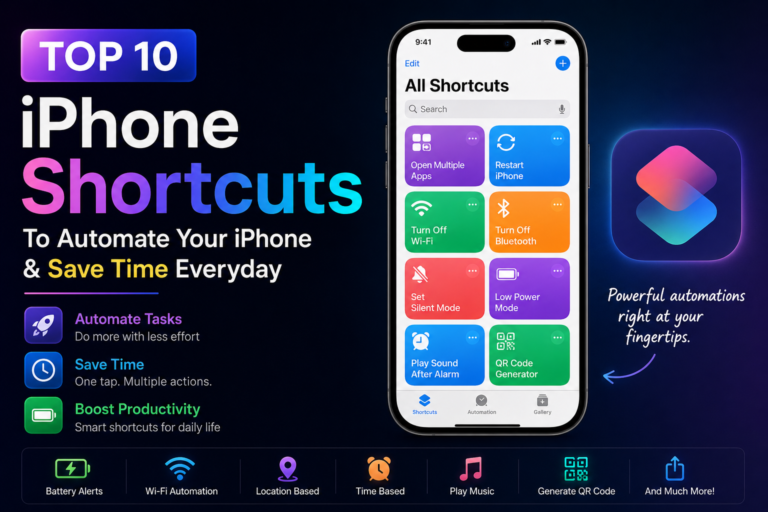
The Shortcuts app now supports new automation actions for Apple Maps and Safari, enhancing user efficiency. iPhone users in the EU can also choose a different default navigation or translation app, improving flexibility.
6. Usability & System-Wide Improvements
iOS 18.4 refines everyday usability with persistent Screen Time limits, even after app deletion and reinstallation. Safari now displays recent search suggestions when opening a new tab, but users can disable this in settings. HomeKit now supports robot vacuums via Matter, allowing seamless control from the Home app. CarPlay also sees improvements, with some users now able to access a third row of icons on the Home Screen.
7. App Store & Control Center Enhancements
Managing app updates is now easier, as App Store downloads can be paused and resumed directly from the update list. The Control Center UI gets a visual refresh, with Wi-Fi and Cellular toggles now displaying signal strength bars, while brightness and sound sliders change color based on levels.
8. Security & Bug Fixes
This update also includes multiple security fixes, addressing vulnerabilities and enhancing device protection for all users.