
On 15 September 2025, Apple officially released iOS 26, featuring a completely revamped user interface and a design language called Liquid Glass. The core theme of iOS 26 is a clean, translucent aesthetic — from system controls to app icons — bringing one of the most sweeping visual overhauls in years.
During WWDC (held 9–13 June 2025), Apple unveiled iOS 26 and previewed its design direction and major features. However, what was announced publicly represented only the surface — deeper, hidden features and refinements are gradually emerging as the system is tested.
After using and experimenting with iOS 26 since its release, I’ve identified 10 hidden features in iOS 26 that are “definitely worth knowing.” Below is a refined look at these under-the-radar capabilities:
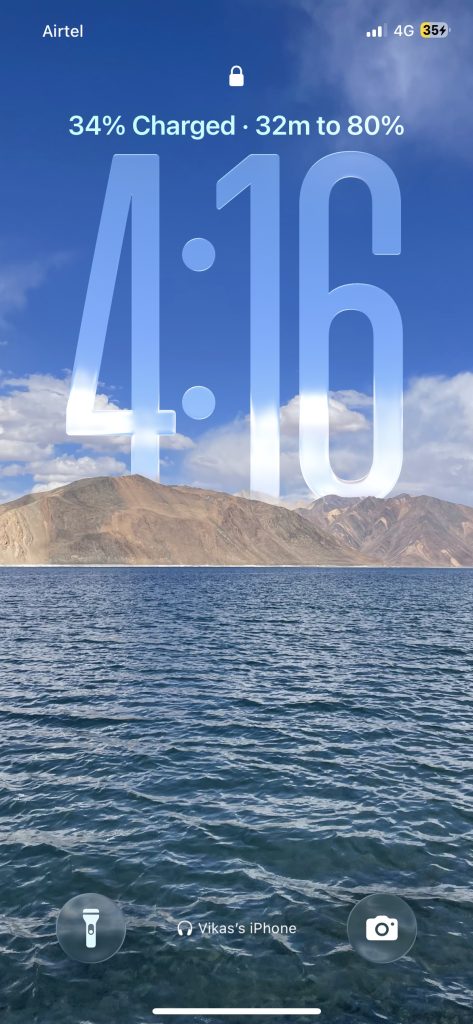
1. Time to Charge
iOS 26 now displays a charge time estimate (e.g. “30 min to full”) on the Lock Screen while charging and in Settings → Battery. This helps you monitor charging speed and unplug at the right time.
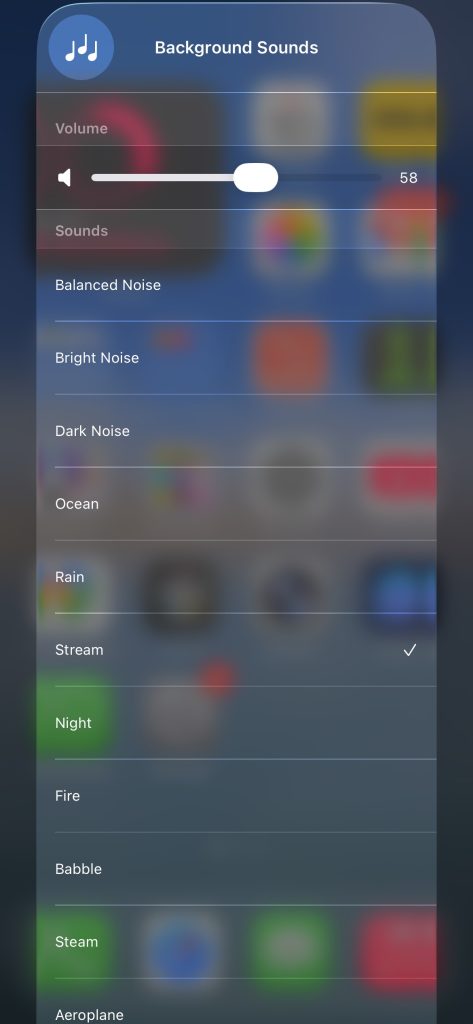
2. Expanded Background Sounds
Under Settings → Accessibility → Audio & Visual → Background Sounds, iOS 26 offers more ambient sound options, an EQ, and a timer to auto-stop playback. Perfect for focus, sleep, or immersive environments.
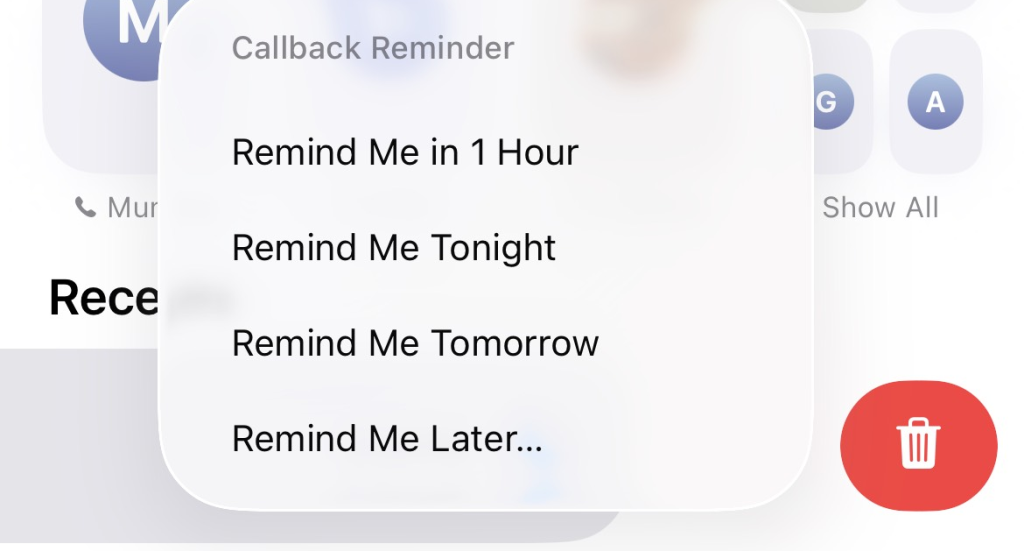
3. Missed Call Reminders
In Phone → Recents, swipe left on a missed call to see a clock icon. Tap it to schedule a callback reminder (e.g. “in 1 hour,” “tonight”). A small but powerful productivity boost.
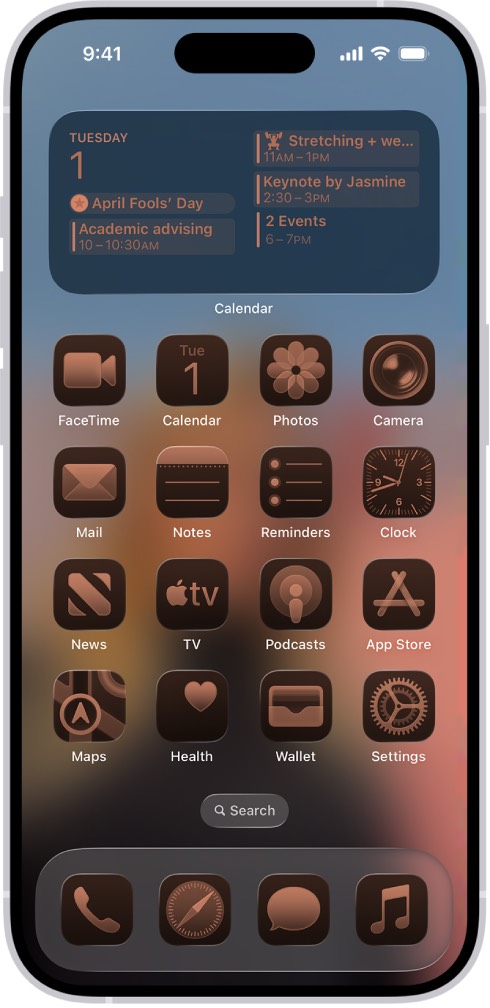
4. Enhanced Personalization
Set custom chat backgrounds in iMessage and choose tinted Liquid Glass icons to harmonize your home screen. These personal tweaks make your iPhone look and feel unique.
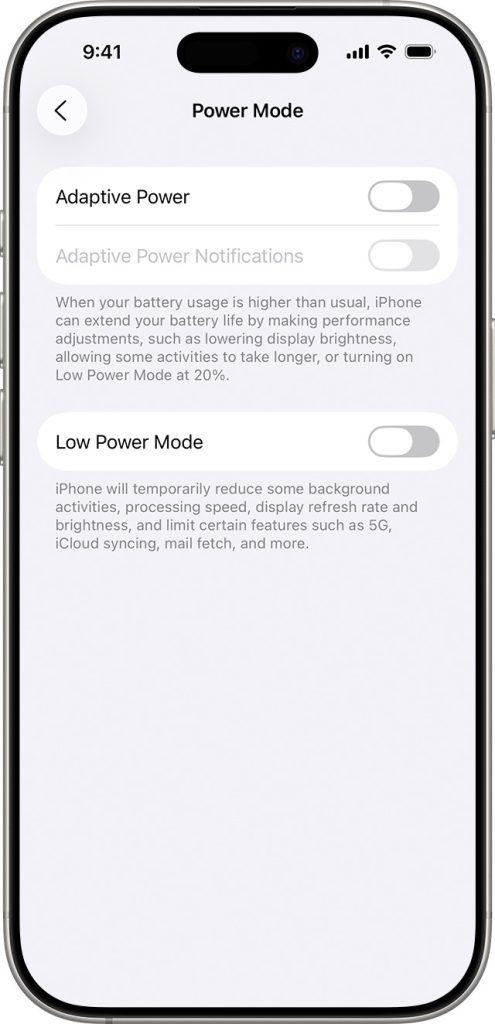
5. Adaptive Power Mode
Adaptive Power Mode optimizes performance, dimming brightness or delaying background tasks when needed. It can also auto-enable Low Power Mode around 20% battery.
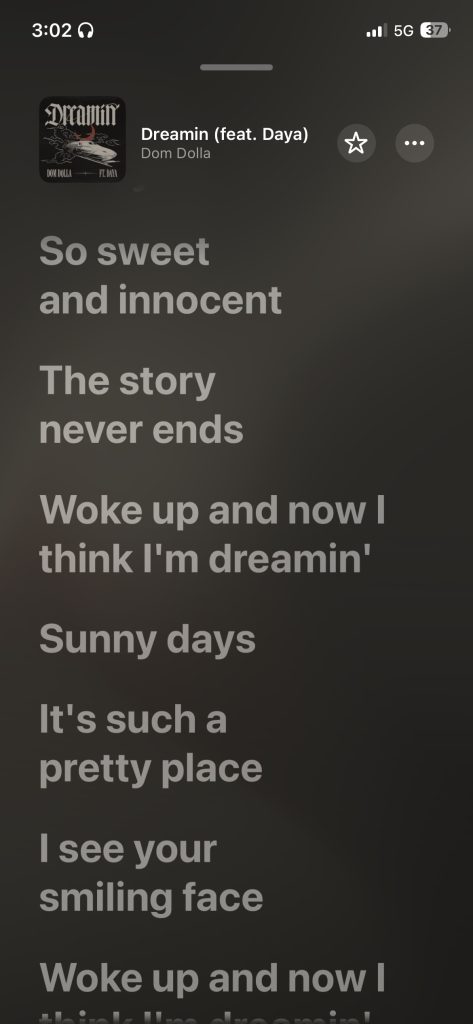
6. Real-Time Lyrics Translation & Pronunciation
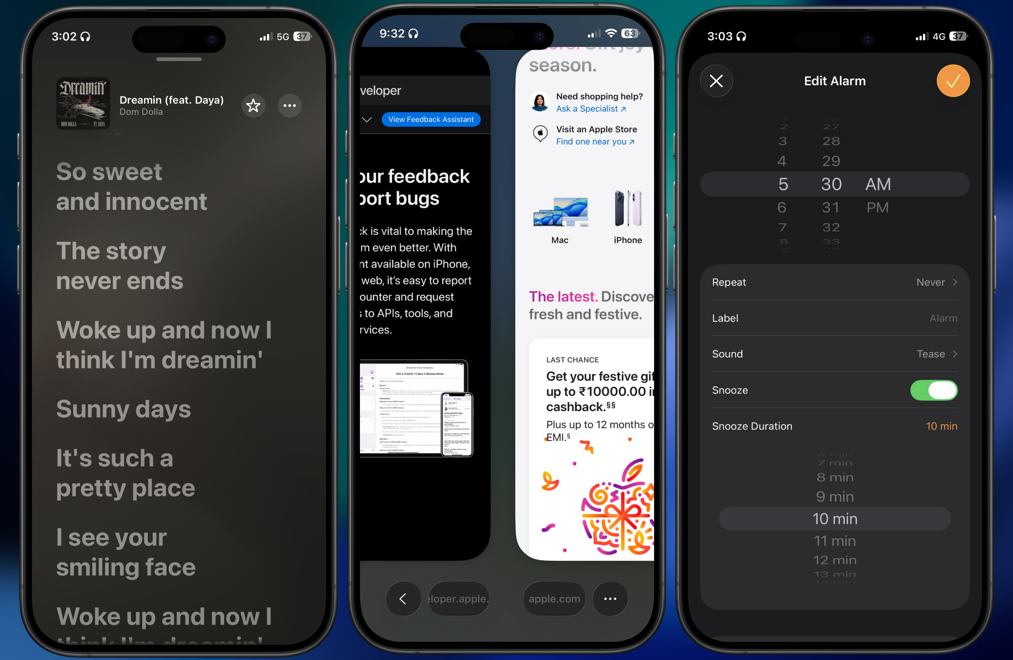
When playing a song with live lyrics, iOS 26 can show translated lines and pronunciation guides in real time. Ideal for understanding or singing nonnative songs.
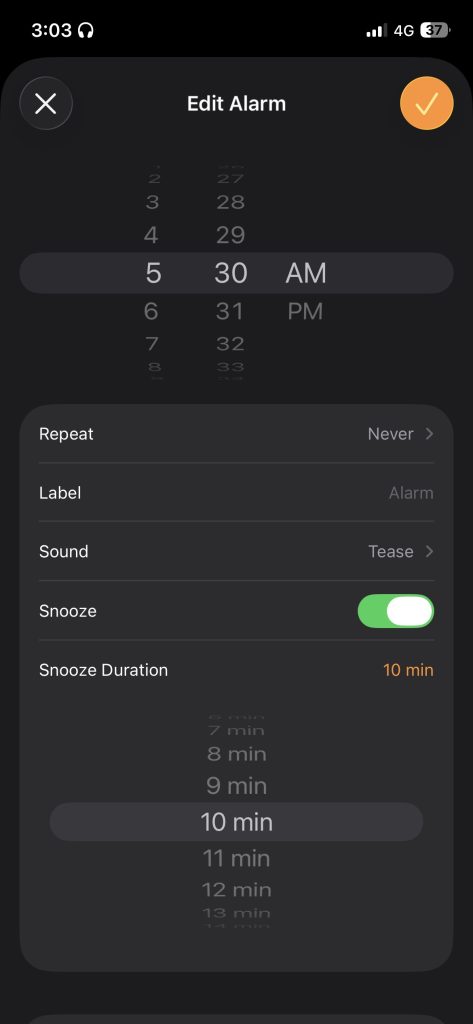
7. Custom Snooze Duration
Now you control the snooze: choose any interval from 1 to 15 minutes when setting an alarm under Clock → Alarm → Edit → Snooze Duration.
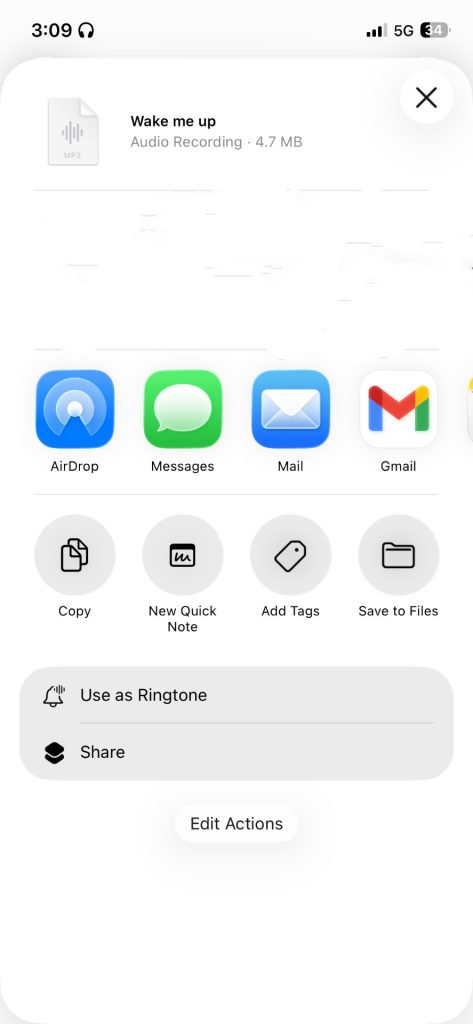
8. Set Custom Ringtones from Files
Open an audio file (MP3/M4A) in Files or Voice Memos, tap Share → Use as Ringtone, and it’s added immediately. No GarageBand workaround needed.
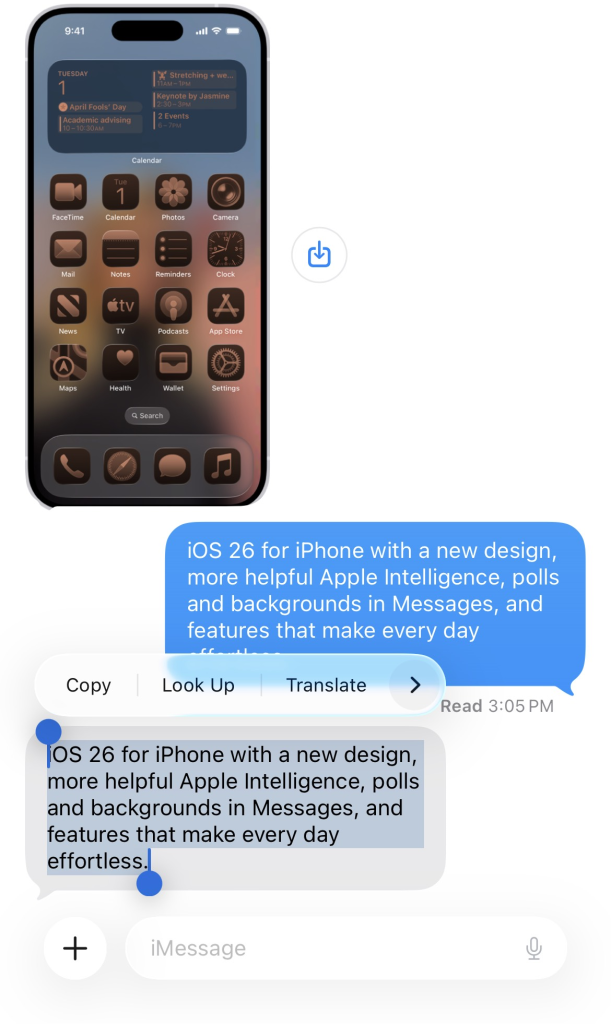
9. Select Text in iMessage
Tap & hold a message → hit Select, then drag to highlight just the portion you want. No more copying full message bubbles.
10. Improved Safari Gestures & Layouts
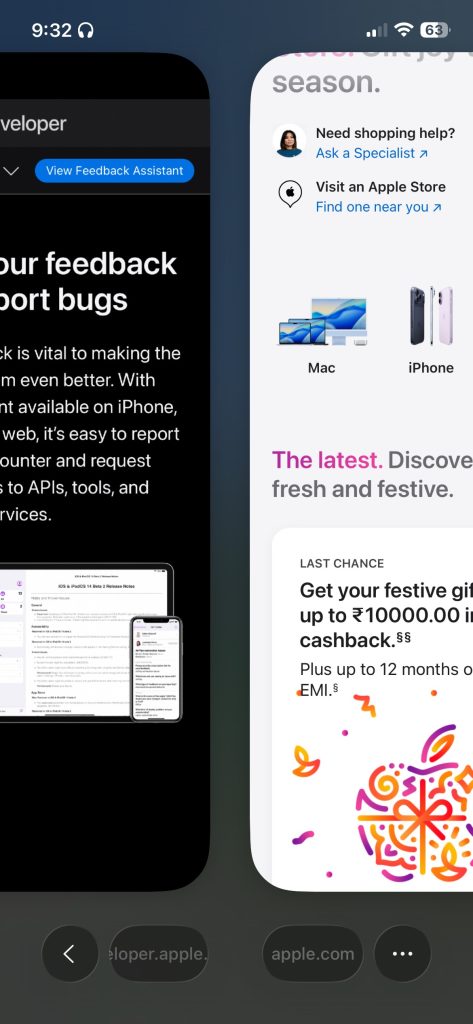
Safari adds new swipe gestures: swipe up on the address bar for tab overview, swipe left/right to move between tabs. It also supports Compact / Bottom / Top tab layouts.
iOS 26’s headline features get most of the attention, but it’s these under-the-hood upgrades — from smarter routines to interface tweaks — that refine daily usage.