
In today’s digital age, it’s nearly impossible to avoid screens in our daily lives. Prolonged exposure to these digital screens can lead to eye strain, and over time, it may even cause more serious eye problems. The primary culprit behind this issue is blue light, which is emitted by digital screens. Constant exposure to blue light can contribute to conditions such as cataracts and other eye problems.
According to the Vision Council, “More than 80% of adults report using digital devices for over two hours per day, and nearly 67% say they use two or more devices simultaneously.” With this widespread use of digital devices, it’s important to take proactive steps to protect our eyes.
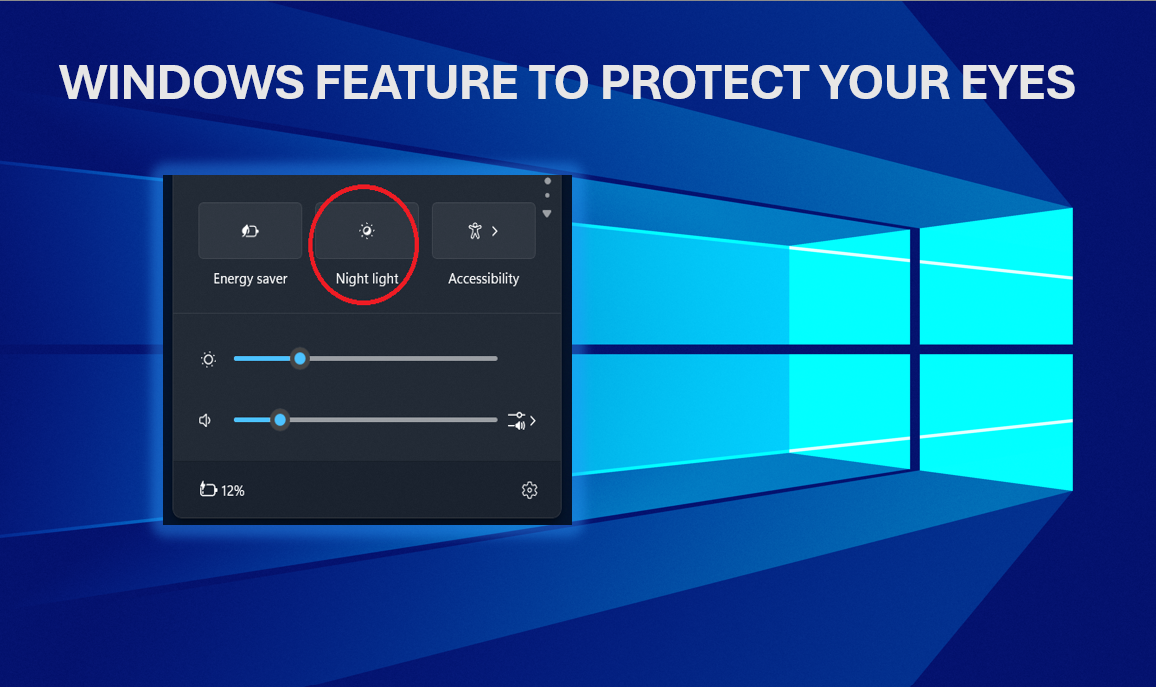
Fortunately, Windows 10 and Windows 11 come with a built-in feature called Night Light. This feature acts as a blue light filter, reducing the amount of blue light emitted by your screen, especially during the evening. By using warmer colors at night, Night Light helps alleviate eye strain and offers relief for your eyes.
To enable this feature, follow these steps:
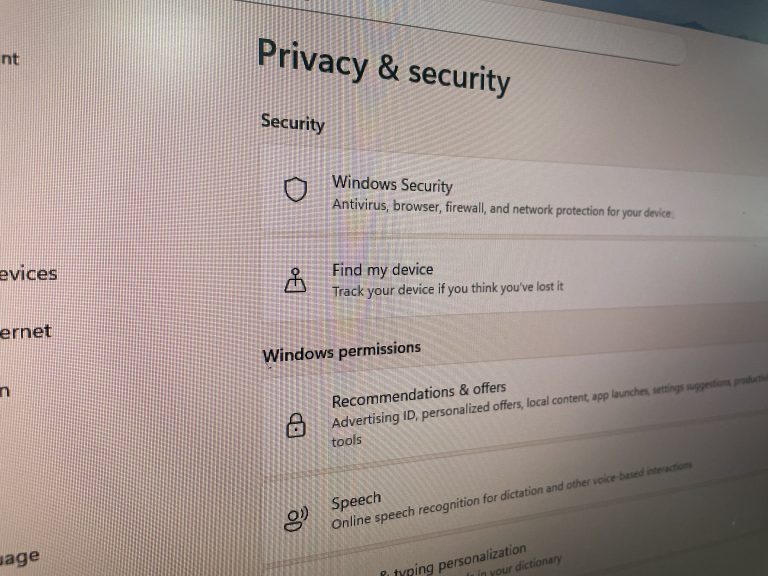
- Open Settings and search for “Night Light.”
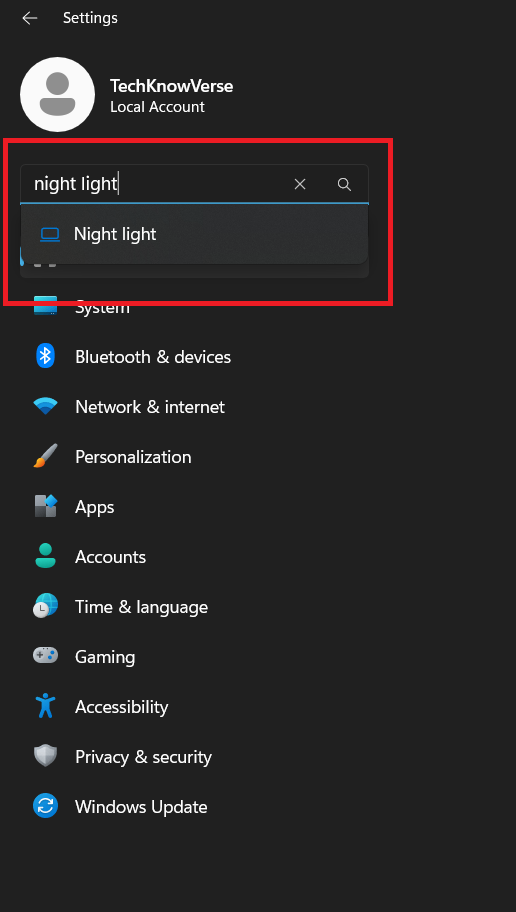
- Simply turn it on and enjoy your work without eye strain.
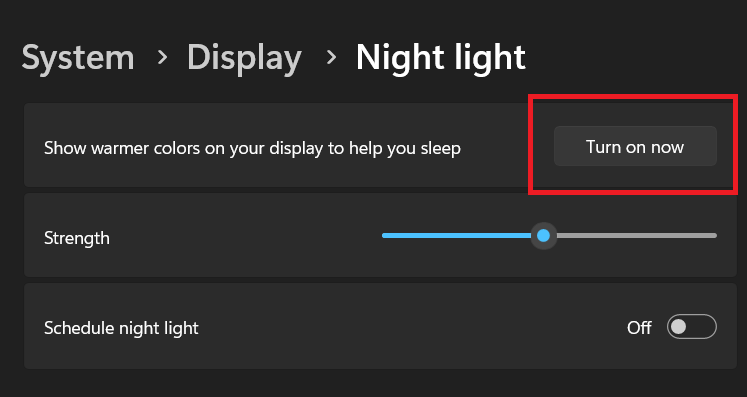
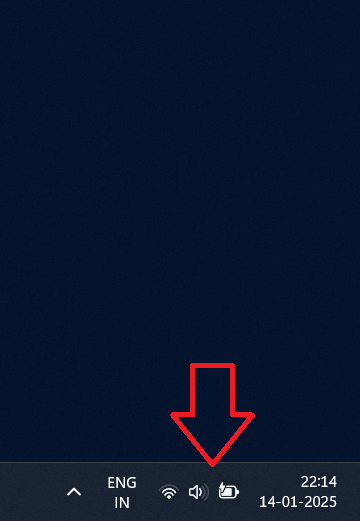
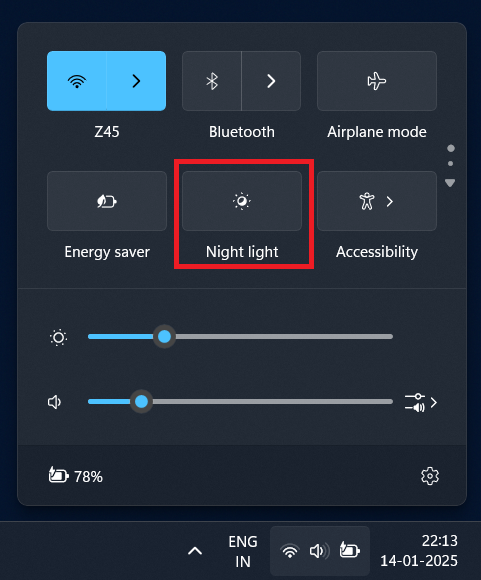
Note: You can also enable this feature by clicking on the right side of the taskbar and then turning on the “Night Light” toggle.