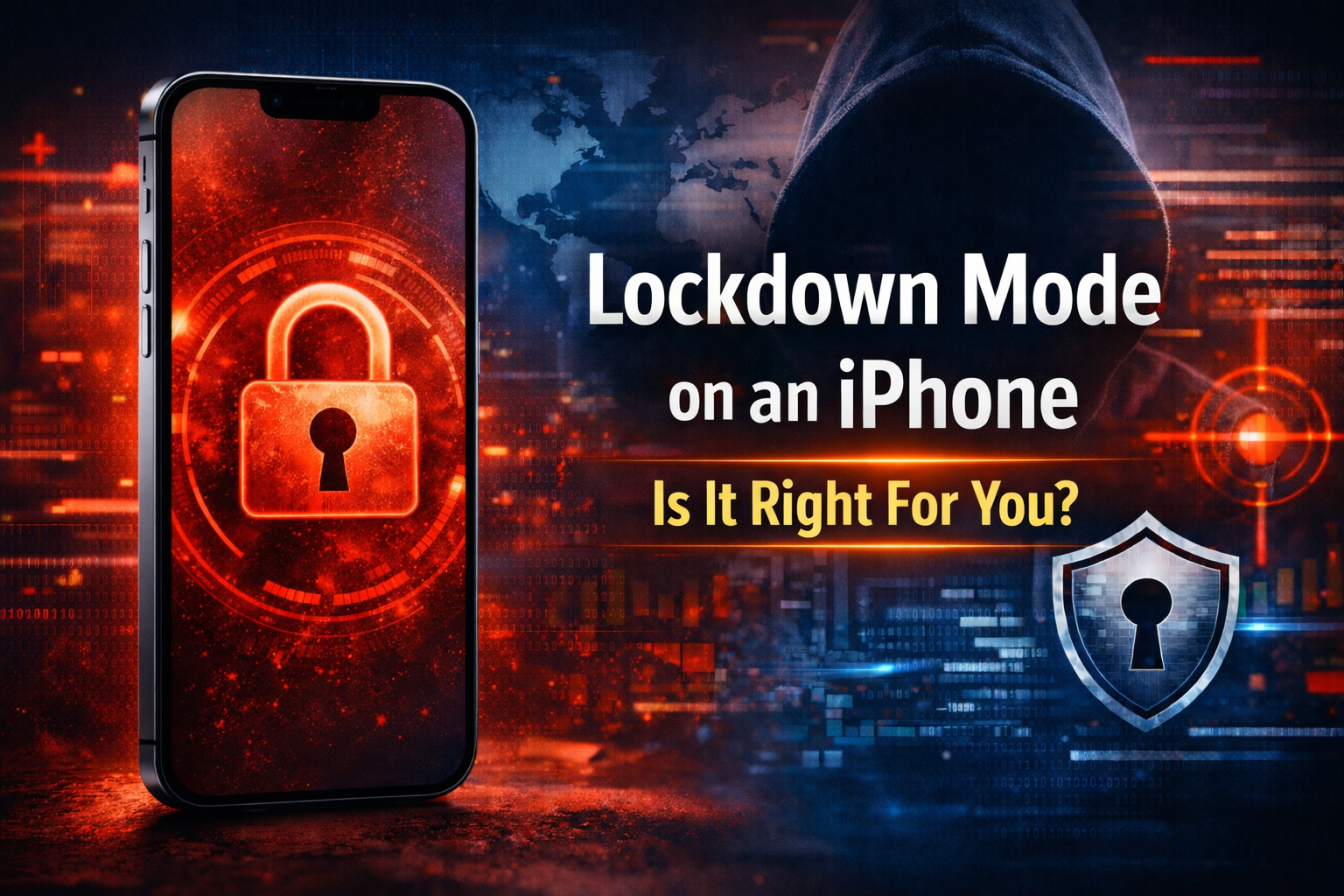

Most people never have to worry about being specifically targeted online. But in some situations, certain individuals may be under constant surveillance or face serious digital threats. For such cases, Apple introduced Lockdown Mode in iOS 16—an optional, extreme security feature designed for the very small number of users who may be at risk of sophisticated cyber attacks.
In this article, we’ll break down everything you need to know before deciding whether you should use it.
What is Lockdown Mode on iPhone?
According to Apple:
“Lockdown Mode is an optional, extreme protection that’s designed for the very few individuals who, because of who they are or what they do, might be personally targeted by some of the most sophisticated digital threats. Most people will never be targeted by attacks of this nature.”
“When Lockdown Mode is enabled, your device won’t function like it usually would. To reduce the attack surface that could potentially be exploited by highly targeted mercenary spyware, certain apps, websites and features will be strictly limited for security, and some experiences may not be available at all.”
In simple terms, Lockdown Mode is Apple’s highest level of security. It deliberately limits certain features and functionalities of your iPhone to reduce the chances of being targeted or exploited. Instead of prioritizing convenience, it focuses entirely on maximum protection.
Why Did Apple Introduce Lockdown Mode?
Apple introduced Lockdown Mode to protect high-risk users from advanced cyber threats, including spyware and targeted digital attacks. While regular security features on iPhone are already strong, they may not be enough against highly sophisticated threats aimed at specific individuals.
This feature is designed for users who might be personally targeted due to their profession or role. By restricting certain system functionalities, Lockdown Mode helps minimize potential entry points that attackers could exploit, ultimately strengthening overall device security.
What Happens When You Enable Lockdown Mode?
After enabling Lockdown Mode, some apps and features will function differently, including:
Messages
Most message attachment types are blocked, except for certain images, video, and audio. Features like links and link previews may also be unavailable.
Web Browsing
Certain complex web technologies are blocked, which may cause some websites to load slowly or not work properly. Web fonts may not display, and images can appear missing.
FaceTime
Incoming FaceTime calls are blocked unless you’ve previously contacted that person within the last 30 days. Features like SharePlay and Live Photos are also disabled.
Apple Services
Invitations for Apple services (like Home app invites) are blocked unless you’ve interacted with that person before. Some features like Focus status and Game Center may not work as expected.
Photos
Location data is removed when sharing photos. Shared albums are removed from the Photos app, and new invitations are blocked.
Device Connections
Your iPhone must be unlocked to connect to accessories or computers. Additional approval may be required for connections.
Wireless Connectivity
Your device won’t automatically connect to unsecured Wi-Fi networks and may disconnect from them. Support for older mobile networks like 2G and 3G is disabled.
Configuration Profiles
You cannot install configuration profiles or enroll the device in mobile device management while Lockdown Mode is active.
Pros and Cons of Lockdown Mode
Lockdown Mode is a powerful feature, especially for users facing serious security risks. However, it comes with both advantages and limitations.
Pros:
- Provides increased protection against advanced cyber attacks
- Reduces the risk of spyware and targeted threats
- Strengthens overall device security beyond standard protection
Cons:
- Limits many iPhone features and functionalities
- Some apps and websites may not work properly
- Can affect normal daily usage
- Not designed for regular users
Should You Turn On Lockdown Mode?
The main question is whether you should turn it on or not.
As mentioned earlier, Lockdown Mode is specifically designed for users who may be at high risk of targeted digital threats. If you fall into that category—such as journalists, activists, or individuals handling sensitive information—it can be a valuable security feature.
However, for most regular users, Lockdown Mode is not necessary. It significantly restricts how your iPhone works, which can impact your daily experience. If you are not facing such risks, keeping it off is usually the better option.
How to Enable Lockdown Mode on iPhone
If you decide to use Lockdown Mode, you can enable it directly from your iPhone settings by following these steps:
- Open Settings
- Go to Privacy & Security
- Scroll down and tap Lockdown Mode
- Tap Turn On Lockdown Mode
- Confirm your choice and restart your iPhone
Once your device restarts, Lockdown Mode will be activated.
How to Turn Off Lockdown Mode
If you want to disable it, the process is similar:
- Open Settings
- Go to Privacy & Security
- Tap Lockdown Mode
- Select Turn Off Lockdown Mode
- Restart your iPhone
Final Verdict
Lockdown Mode is one of the most powerful security features available on iPhone, but it’s not meant for everyone. It prioritizes protection over convenience, making it ideal only for users who truly need that level of security.
For most people, the standard security features on iPhone are more than enough. But if you ever feel at risk, Lockdown Mode can provide an extra layer of protection when it matters most.