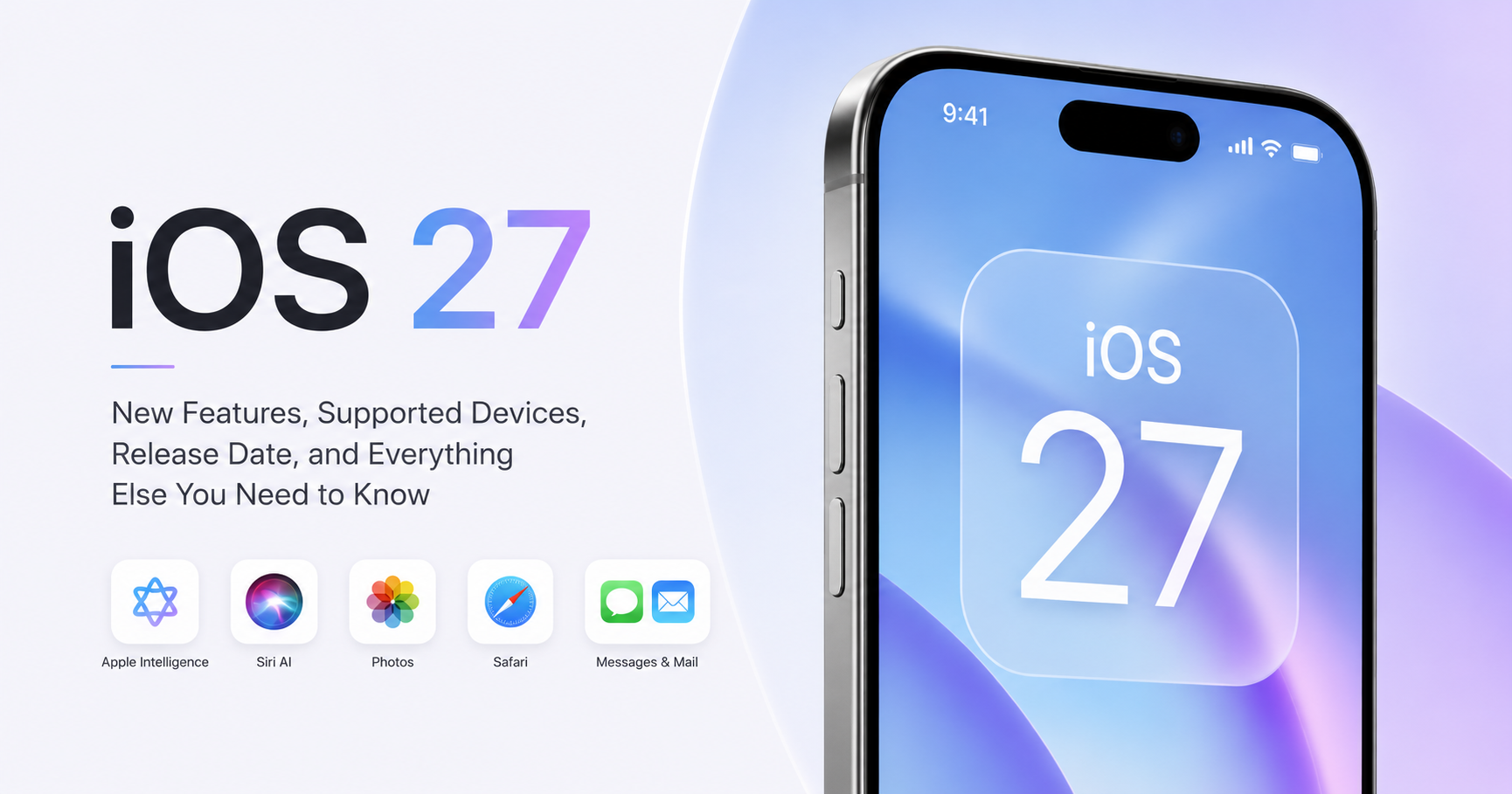

June is one of the most important months for Apple users, since every year during this month, Apple unveils a new iOS version. Some years Apple brings a complete overhaul; other years, Apple quietly works on the stuff you don’t see until you start using it.
This year, Apple announced iOS 27 at WWDC on June 8, with Siri receiving its biggest overhaul in years, alongside a broader rollout of Apple Intelligence and other changes. So let’s start with the full breakdown of what’s new.
iOS 27 at a Glance
| Feature | Availability |
| Siri AI Upgrade | Yes |
| Apple Intelligence Enhancements | Yes |
| Photos App Improvements | Yes |
| Safari Improvements | Yes |
| Messages & Mail Enhancements | Yes |
| Minimum Supported Device | iPhone 11 |
| Developer Beta | Available now |
| Public Beta | Expected July 2026 |
| Stable Release | Expected September 2026 |
What’s New in iOS 27?
In this update, Apple has overhauled the AI experience and deepened the integration of Apple Intelligence with several stock apps. Previously, in this AI-competitive landscape, Siri was lagging behind — and in this update, Siri has been rebuilt from the ground up.
Here’s what stands out:
- A complete overhaul of Siri, now branded “Siri AI”
- Apple Intelligence woven into more apps than before
- Quicker app launches and a more responsive system overall
- Upgrades to Photos, Safari, Messages, and Mail
- Stronger parental controls and child safety tools
- Small but noticeable refinements to the Liquid Glass design
Nothing here is a new coat of paint. It’s mostly Apple polishing what’s already there while adding intelligence underneath.
Siri Finally Gets the Upgrade Everyone’s Been Asking For
If you’ve felt like Siri has been falling behind Google Assistant or ChatGPT for years, you’re not imagining it — and Apple seems to agree, because Siri AI is the centerpiece of this release.
The new Siri is built to hold an actual conversation rather than just react to one-off commands. It can follow up on what you just asked, which sounds small until you realize how often the old Siri would just… forget.
Siri can now also pull context from apps like Messages, Photos, Notes, and Mail when it’s relevant — so asking it something tied to a recent text or a photo you took last week is no longer a dead end. Apple has also added on-screen awareness, meaning Siri can see what’s currently on your display and act on it directly, like pulling a location out of a screenshot or referencing something a friend just sent you.
It’s a meaningful shift from “voice command tool” toward something closer to an assistant that actually understands what you’re doing.
Apple Intelligence Spreads Further Across the iPhone
Apple Intelligence isn’t new, but iOS 27 gives it a lot more room to work. More apps now tap into it to help you get through routine tasks faster:
- Smarter, more relevant suggestions in Messages
- Better automatic sorting in Mail
- Improved content recommendations system-wide
- More contextual actions baked into everyday interactions
As before, Apple is mixing on-device processing with cloud intelligence depending on the task, which keeps a chunk of this running locally for privacy reasons.
Photos Gets Genuinely Useful Editing Tools
The Photos app picks up some solid upgrades this year. The standout is a new tool that lets you adjust how a photo is composed after you’ve already taken it — useful for the shots you almost got right.
Object removal has also gotten noticeably better, doing a cleaner job of patching backgrounds when you cut something out. None of it is flashy, but if you regularly edit photos straight from your phone, these are the kind of changes you’ll actually use.
Safari Gets a Bit Smarter About Your Tabs
Safari’s biggest addition is smarter, more automatic tab management — handy if you’re the type with 40 tabs open and no plan to close any of them. Apple has also tucked in some additional AI-driven shortcuts aimed at speeding up everyday browsing tasks. None of it screams for attention, but it’s the kind of thing you notice after a week of use, not a day.
Messages and Mail Keep Getting Quietly Better
Both apps continue to lean on Apple Intelligence for smarter, more relevant suggestions — Messages for contextual replies and quick actions, Mail for surfacing what actually matters in your inbox instead of burying it. Nothing flashy here either; it’s mostly about cutting down the time you spend managing both.
The Performance Numbers Are Actually Pretty Big
This is where iOS 27 quietly does some of its best work. Apple says app launches are now up to 30% faster, photos load up to 70% quicker after you’ve taken them, and AirDrop transfers are up to 80% faster than before.
Performance upgrades rarely get the keynote spotlight, but they’re often what people notice the most in daily use — and these numbers, if they hold up outside Apple’s own testing, are a bigger deal than they sound.
Liquid Glass Gets Refined, Not Replaced
Last year’s iOS 26 introduced the Liquid Glass design language. iOS 27 doesn’t replace it — it sands down the rough edges. Apple has improved readability, added a transparency slider so you can dial down the see-through effect if it bothers you, and even added undo/redo for appearance tweaks. It’s the same look, just easier to live with.
Family Safety Features Get Another Pass
Apple continues building out Screen Time, parental controls, and child account management. The changes aim to give parents more visibility and control without adding a ton of extra setup — a continuation of where Apple’s been heading for the last few updates rather than a dramatic shift.
iOS 27 vs iOS 26: What’s Changed?
| Feature | iOS 26 | iOS 27 |
| Siri Experience | Traditional Siri | Siri AI |
| Apple Intelligence | Limited rollout | Expanded across more apps |
| Photos Editing | Basic AI tools | Post-capture composition + better object removal |
| Safari | Standard tab handling | Smarter, automatic tab management |
| Performance | Improved | Up to 30% faster launches, 80% faster AirDrop |
| Child Safety Tools | Available | Enhanced |
| System Design | Liquid Glass | Refined Liquid Glass with transparency slider |
iOS 27 Supported Devices
The good news first: Apple hasn’t dropped a single device this year. If your iPhone runs iOS 26, it’ll run iOS 27.
The full list:
- iPhone 17 Pro Max, 17 Pro, 17, 17e
- iPhone Air
- iPhone 16 Pro Max, 16 Pro, 16 Plus, 16, 16e
- iPhone 15 Pro Max, 15 Pro, 15 Plus, 15
- iPhone 14 Pro Max, 14 Pro, 14 Plus, 14
- iPhone 13 Pro Max, 13 Pro, 13, 13 mini
- iPhone 12 Pro Max, 12 Pro, 12, 12 mini
- iPhone 11 Pro Max, 11 Pro, 11
- iPhone SE (2nd generation and later)
That means the iPhone 11, now seven years old, gets another full cycle of major updates — one of the broadest compatibility lists Apple has shipped in years.
Will All Features Work on Every Supported iPhone?
No — and the gap is bigger than usual this year.
Apple Intelligence overall requires an iPhone 15 Pro or later (basically, an A17 Pro chip or newer with 8GB of RAM). But the most advanced on-device AI features — the heaviest Siri capabilities included — are reserved specifically for the iPhone 17 Pro, iPhone 17 Pro Max, and iPhone Air.
So an iPhone 15 Pro or 16-series owner will get real Apple Intelligence features, just not necessarily the full set Apple demoed on the newest hardware. Older supported devices (iPhone 11 through 14, and the SE models) will run iOS 27 just fine, but without Apple Intelligence at all.
iOS 27 Release Date
Apple unveiled iOS 27 at its WWDC keynote on June 8, 2026, and pushed out the first developer beta the same day. From here, the expected timeline looks like:
- Developer Beta: Available now
- Public Beta: Expected July 2026
- Stable Public Release: Expected September 2026, alongside the new iPhone lineup
Apple hasn’t confirmed an exact public release date, but the pattern has held for over a decade now — major iOS versions land in September, right around new iPhone launches.
Should You Install the Beta?
It’s tempting to jump straight in after a WWDC keynote, but developer betas exist for testing, not daily driving. Expect the usual rough edges:
- Bugs that haven’t been ironed out yet
- Apps that don’t play nicely with the new OS
- Battery drain that’s noticeably worse than normal
- General slowdowns and inconsistent performance
If your iPhone is the only one you’ve got, it’s worth waiting for the Public Beta — or just the stable release in September.
Frequently Asked Questions
Will my iPhone 11 get iOS 27?
Yes. Apple confirmed the iPhone 11 series is fully eligible.
When will iOS 27 be released?
No exact date yet, but based on Apple’s usual pattern, expect the stable release in September 2026.
Can I install iOS 27 right now?
Yes, the developer beta is live. Most people are better off waiting for the public beta or the final release.
Which iPhones get Apple Intelligence in iOS 27?
iPhone 15 Pro and later. The most advanced on-device features are limited further, to the iPhone 17 Pro, 17 Pro Max, and iPhone Air.
Does iOS 27 improve battery life?
Apple is framing this release around performance and efficiency, but real-world battery results will depend on your device and how you use it — and ironically, beta versions tend to drain faster than usual.
Is iOS 27 worth installing?
For most people, yes. Between the new Siri, wider Apple Intelligence support, real performance gains, and continued support for older iPhones, it’s a meaningful update even without a visual overhaul.
Final Thoughts
iOS 27 isn’t a major redesign, but it fixes Siri — one of the most heavily used parts of the iPhone experience — brings Apple Intelligence deeper into the system, and delivers real performance gains: 30% faster app launches, 80% faster AirDrop. That’s the kind of thing you feel daily rather than notice in a keynote slide.
Combine that with continued support for iPhones going back to 2019, and iOS 27 looks like one of the more substantial “boring on the surface, important underneath” updates Apple has shipped in a while. We’ll see more details emerge as upcoming betas roll out over the summer.