
Introduction
Having your iPhone stolen is something most people hope they’ll never experience, yet it’s a situation that’s always in the back of your mind. An iPhone holds much more than contacts and photos. It stores banking apps, emails, passwords, personal conversations, documents, and years of memories. Losing it can be stressful, especially when you realise just how much of your digital life is stored on a single device.
Beyond the cost of replacing the device, there’s also the risk of someone trying to access your personal information or misuse your phone number. If the wrong person gets hold of your iPhone, they may attempt to gain access to your accounts or use your SIM card for fraudulent activities.
Fortunately, Apple has built several security features into the iPhone that are designed to protect your data if the device is lost or stolen. The key is acting quickly. Taking the right steps as soon as you realise your iPhone is missing can help secure your personal information and may even improve the chances of getting your device back.
The First 10 Minutes Matter
The first few minutes after your iPhone goes missing are the most important. It’s easy to panic, but staying calm and acting quickly will put you in the best position to protect your data.
Before assuming the phone has been stolen, think about where you last used it. Many missing iPhones turn up at home, in the office, inside a car, or somewhere they’ve simply been left behind.
If you’ve checked and you’re confident the device has been stolen or you can’t locate it, don’t spend valuable time repeatedly calling it. Instead, borrow another phone or use a trusted computer so you can begin securing your iPhone straight away.
Use Find My to Locate Your iPhone
Your first step should be opening Find My on another Apple device or signing in to iCloud.com/find from any web browser.
If your iPhone is connected to the internet, you’ll see its current location on a map. If it’s offline, Find My will display the last known location before it disconnected.
If you notice your iPhone moving, resist the urge to recover it yourself. If you believe it has been stolen, it’s much safer to share its location with the police than to confront the person who has it.
On the other hand, if the location points to your home, workplace, or somewhere you’ve recently visited, check those places carefully before assuming the device has been stolen.
Enable Lost Mode Immediately
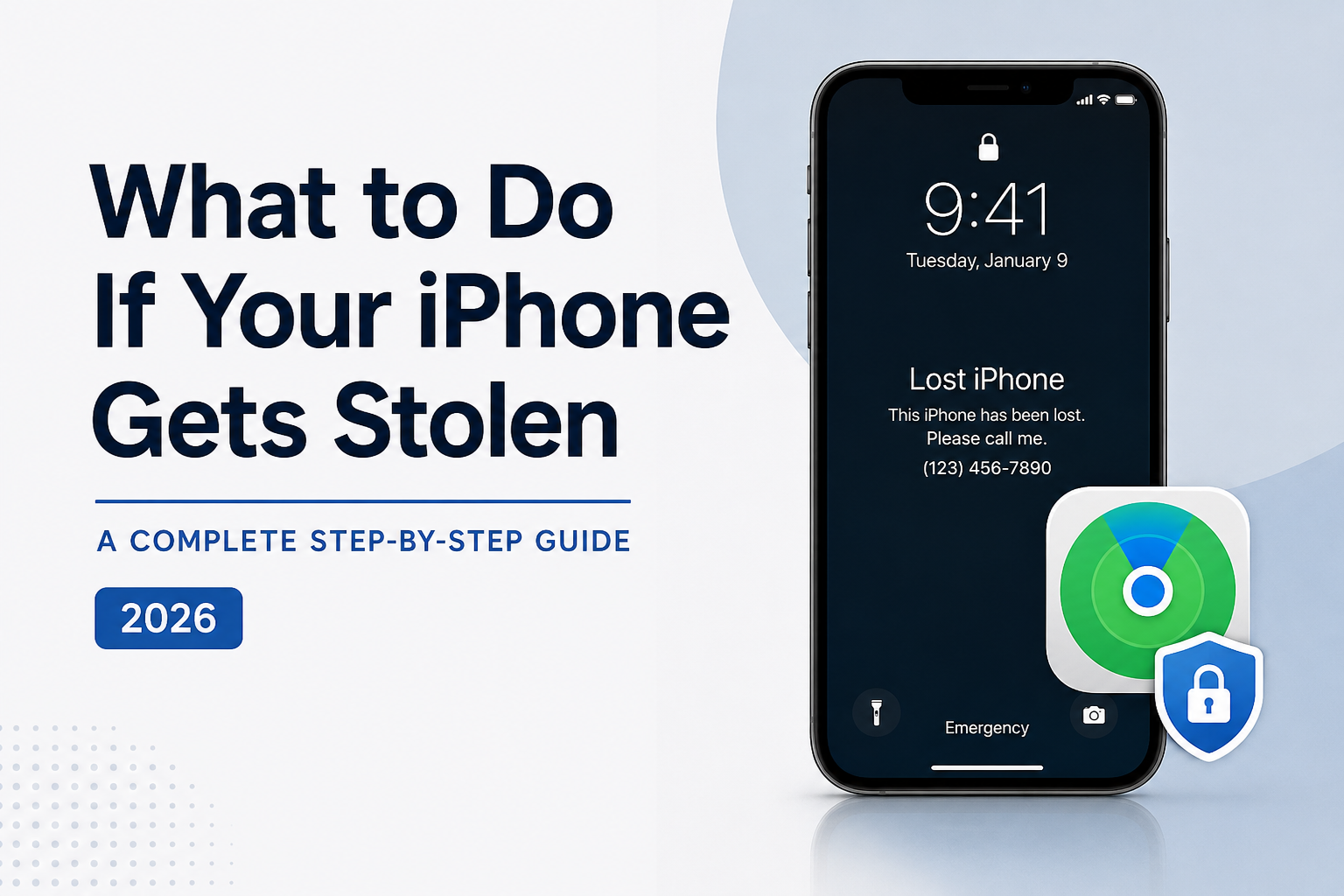
As soon as you’ve confirmed your iPhone is missing, enable Lost Mode.
Lost Mode remotely locks your iPhone and prevents anyone from accessing your personal information without your passcode. It also suspends the Apple Pay cards stored on the device, providing another layer of protection.
You can also display a custom message on the Lock Screen with an alternative phone number so that someone who finds your iPhone can contact you.
If your iPhone is currently offline, don’t worry. Lost Mode will automatically activate the next time the device connects to the internet.
Don’t Remove Your iPhone from Your Apple Account
One of the biggest mistakes people make is removing a stolen iPhone from their Apple Account.
Keeping the device linked to your account ensures that Activation Lock remains enabled. This security feature prevents anyone from setting up or using the iPhone without your Apple Account credentials.
Removing the device too soon disables Activation Lock, making it much easier for a thief to erase the phone and sell it.
Unless Apple specifically advises you to do so, leave the iPhone associated with your Apple Account.
Contact Your Mobile Carrier
Next, contact your mobile carrier as soon as possible.
Ask them to suspend your SIM card or issue a replacement SIM using the same phone number. This prevents anyone from making calls, sending text messages, or receiving verification codes intended for you.
If your carrier offers IMEI blocking, ask whether they can block the device using its IMEI number.
Secure Your Apple Account
Your Apple Account protects much of the information stored across your Apple devices.
If there’s any chance someone knows your Apple Account password or your iPhone passcode, change your Apple Account password immediately.
Doing this helps protect your iCloud data, photos, backups, emails, and other Apple services.
It’s also worth checking your account for unfamiliar trusted devices and removing anything you don’t recognize.
Check Your Banking and Payment Apps
Although Lost Mode automatically disables Apple Pay, it’s still a good idea to review your banking and payment accounts.
Sign in from another trusted device and check for any suspicious activity. If you notice transactions you don’t recognize, contact your bank immediately.
If you use services such as PayPal or other digital wallets, review those accounts as well.
Report the Theft to the Police
If you’re certain your iPhone has been stolen, report it to your local police station.
Provide as much information as you can, including:
- iPhone model
- Colour
- Serial number (if available)
- IMEI number
- Last known location shown in Find My
While the device may not always be recovered, an official police report can be important if you need to make an insurance claim or assist with an investigation.
Should You Erase Your iPhone Remotely?
If you’ve accepted that you’re unlikely to recover your iPhone, you can choose to erase it remotely using Find My.
This removes your personal data from the device, helping prevent it from being misused.
However, think carefully before doing so.
Once the iPhone has been erased, you won’t be able to track its location using Find My. Activation Lock will still remain active, provided you keep the device linked to your Apple Account.
If the phone still appears to be moving or the police are attempting to recover it, waiting before erasing it may be the better option.
Beware of Phishing Messages
Some thieves don’t stop after stealing an iPhone. They also try to steal your Apple Account credentials.
It’s common for victims to receive text messages or emails claiming their iPhone has been found. These messages usually include a link asking you to sign in with your Apple Account.
Treat these messages with caution.
Apple won’t ask you to verify ownership through unsolicited text messages or emails.
If you receive anything suspicious, avoid clicking the links. Instead, check your device’s location directly through Find My.
What If Find My Wasn’t Enabled?
If Find My wasn’t enabled before your iPhone was stolen, you won’t be able to locate, lock, or erase the device remotely.
Your priority should then be securing your accounts by:
- Contacting your mobile carrier immediately.
- Changing your Apple Account password.
- Updating passwords for banking, email, and social media accounts.
- Reporting the theft to the police.
Recovering the device becomes much more difficult without Find My, but protecting your personal information should now be your main focus.
How to Prepare Before Your iPhone Is Ever Stolen
No one expects their iPhone to be stolen, but a few minutes of preparation can save a lot of stress later.
Make sure you:
- Turn on Find My.
- Enable Stolen Device Protection if your iPhone supports it.
- Use a strong six-digit or alphanumeric passcode.
- Enable Face ID.
- Keep iOS updated.
- Back up your iPhone regularly using iCloud or a computer.
- Store your IMEI and serial number somewhere safe.
These simple precautions can make a significant difference if your iPhone ever goes missing.
Common Mistakes to Avoid
When emotions take over, it’s easy to make decisions you’ll later regret.
Avoid these common mistakes:
- Trying to confront the thief yourself.
- Removing your iPhone from your Apple Account.
- Trusting messages that claim your iPhone has been found.
- Sharing your Apple Account password with anyone.
- Waiting too long before enabling Lost Mode.
- Ignoring suspicious activity in your banking or email accounts.
Staying calm and following the correct steps is the safest way to protect yourself.
Frequently Asked Questions
Can someone unlock my stolen iPhone?
If your iPhone is protected with a strong passcode and modern Apple security features, it’s extremely difficult for someone to unlock it without your permission.
Will Lost Mode work if my iPhone is offline?
Yes. The request remains pending and automatically activates the next time your iPhone connects to the internet.
Can I still track my iPhone after remotely erasing it?
No. Once the device has been erased, Find My can no longer display its location. However, Activation Lock remains enabled as long as the iPhone stays linked to your Apple Account.
Should I remove my stolen iPhone from Find My?
No. Keeping the device linked to your Apple Account ensures Activation Lock stays enabled, making it much harder for someone else to use or sell the phone.
Final Thoughts
Having your iPhone stolen can be a frustrating and stressful experience, but it doesn’t necessarily mean you’ve lost everything. Apple’s built-in security features are designed to protect your personal information, and using them quickly can make a real difference.
Focus on securing your device as soon as possible. Enable Lost Mode, contact your mobile carrier, protect your Apple Account, and report the theft if necessary. Even if your iPhone isn’t recovered, taking these steps will help keep your personal information safe and reduce the risk of it being misused.